
Shared badges lead
When recipients share badges on LinkedIn or social media, your institution and program name go with them. Viewers move from the verification page to your website and class sign-up.


Screens that turn sharing
into the next sign-up
Track growth on the dashboard,
and drive the next enrollment with a badge website, classes, pathways, and referrals.
These screens recreate the actual Kolleges admin and recipient views.
Names, dates, and numbers are illustrative; the badge and certificate images are real ones issued through Kolleges.
See how far your badges have traveled
Compare issuance, claims, shares, and external verifications by period,
and see your most shared credentials and the share by channel.

- Key metricsCompare issued, claimed, shared, and external verifications against the previous period.
- Most shared credentialsFind the courses with the most shares, verification views, claims, and reach.
- Share by channelSee whether badges spread through general sharing, LinkedIn, or KakaoTalk.
Your own badge website, no code required
Set the order and visibility of credentials in the catalog, and the public page updates instantly.
Menus, domain, and colors can match your institution.

- Pick and arrange sectionsIn page design, add and publish sections such as banners, promo videos, featured classes, notices, and maps.
- Menus, domain, and colors that fitSet the name, intro, contact email, brand color, and domain URL in site settings, and configure menu names and links in menu settings.
- Where your credentials liveIssued credentials are archived on your website automatically, showing your programs and badges in one place.
From the verification page to the next course
People who view a badge see your next course and sign up on the spot. Sign-ups collect in course management.
- Open classes and take sign-upsOpen classes on your badge website and accept sign-ups. Feature them on the main page with the featured classes section.
- Badges become recruitment pagesAnyone who sees a graduate’s shared badge can go from the verification page to classes on your website.
- Graduate, get issued againWhen new learners graduate, issue by list or member selection, and the cycle of sharing and sign-ups repeats.
Link badges into steps and show the next goal
Collect all the badges in each step, and a pathway completion badge is issued automatically.
Run multiple pathways, like Design, Software, and Young Meister Master.

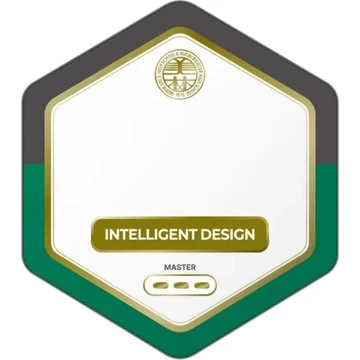
- Many badges, one pathwayGroup course badges into a pathway that leads to a higher-level badge.
- Missing badges are visibleRecipients see earned and missing badges at a glance and sign up for the gaps first.
- Design tiered badge systemsInstitutions design re-engagement as a tiered path, from hobby to certification to instructor.
Suggest the next course the moment a badge arrives
Link a next course to a base credential, and recipients see it and sign up right from the badge screen.
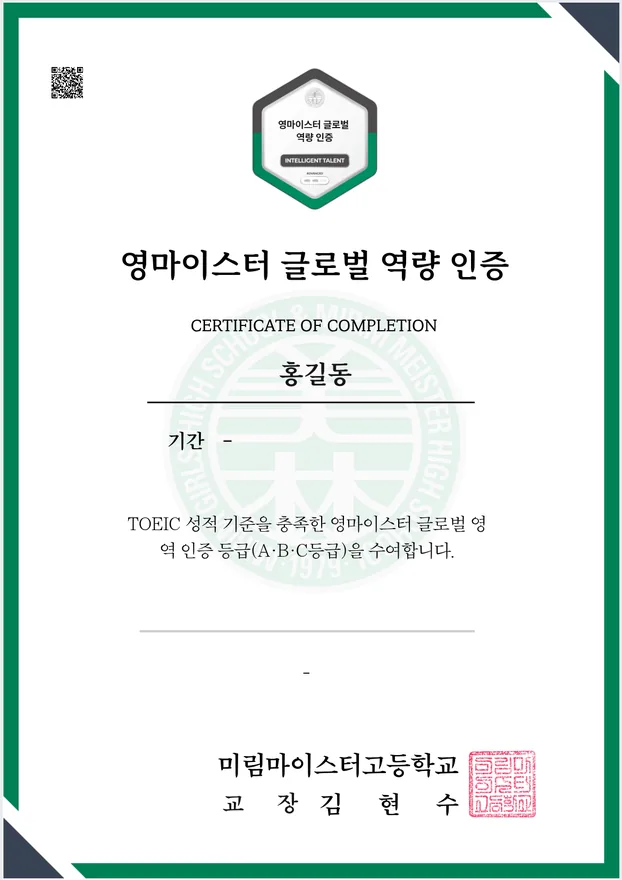
- Link a next course to a base credentialIn the Pathways & referrals menu, choose a base credential and the course to recommend.
- Sign up right from the badge screenRecipients see the recommended course where they received the badge and go straight to sign-up.
- Graduate, and it continuesLearners who join through referrals earn badges when they graduate, and the cycle repeats.
See the real operations screens in a 15-minute demo
We’ll walk through an issuance, verification, and sharing setup that fits your institution.