Want to learn about the Kolleges platform? About Kolleges
What is a digital badge?
From Open Badges 3.0 to adoption steps and choosing a platform
A digital badge is a digital credential that proves learning, qualifications, and competencies online, instantly.
Definition, the Open Badges standard, adoption steps, and how to choose a platform—all on one page.
What is a digital badge?
A digital credential with its issuance data built in, so anyone can confirm it’s real via link or QR. It replaces or complements paper and PDF certificates.
Common uses
- University co-curricular and career program completion
- Employee and job training completion
- Conference attendance and continuing education credits
- Event, volunteer, and organizer activity
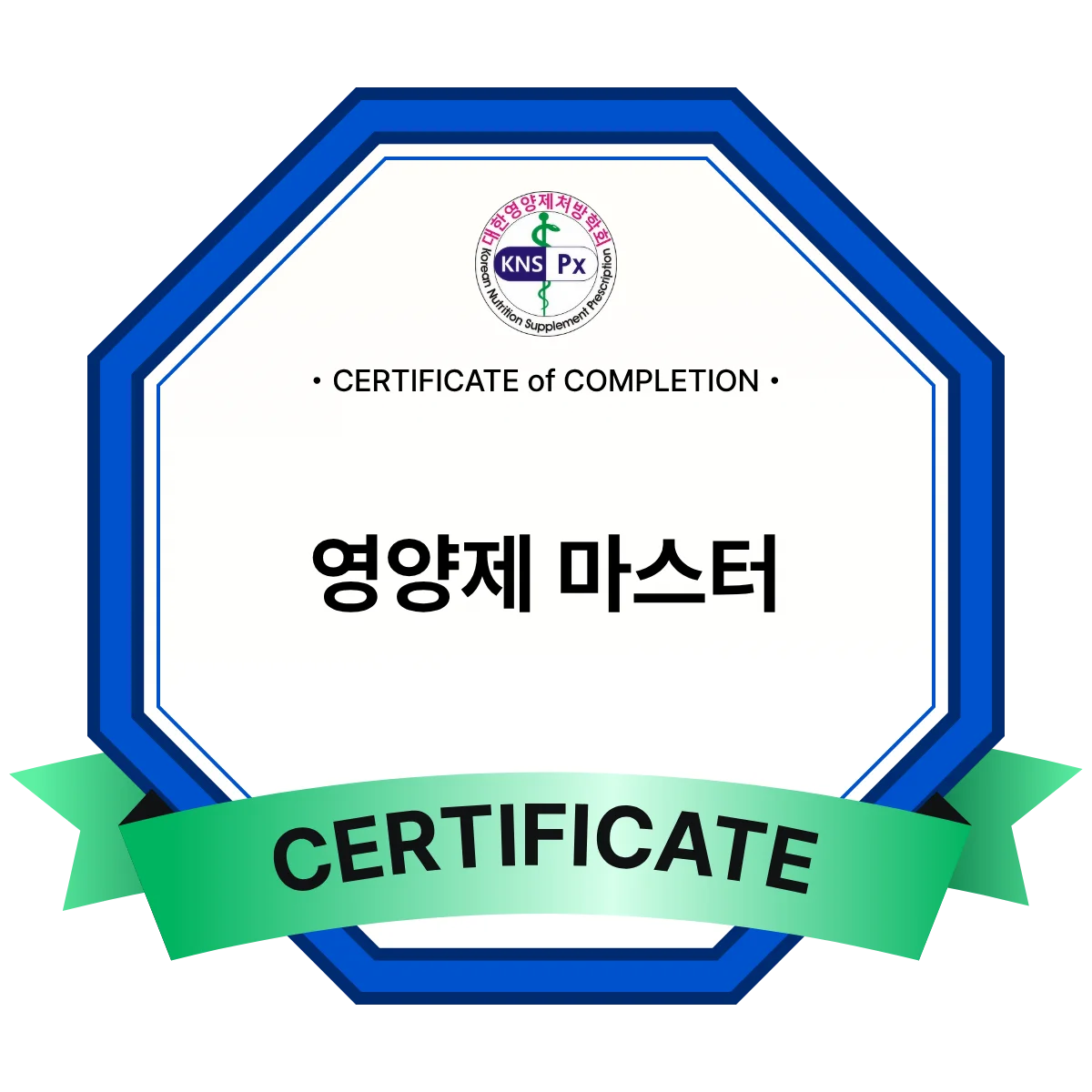
- For issuers
- OO University Co-curricular Center
- Criteria
- 80%+ attendance, final report submitted
- Issue date
- 2026.11.16
- Expiration
- No expiration
- How to verify
- Unique link · QR code
How it differs from an image file
An image alone proves nothing—anyone can make the same image. What makes a badge real is the information behind the image (metadata).
- Who issued it
- What criteria earn it
- When it was issued and how long it’s valid
TIP Design your badge in the same order: the information first, the look second.
Digital badges vs. Open Badges
They’re used interchangeably, but strictly speaking they differ.
- Digital badge Any credential issued online
- Open Badges Digital badges that follow the rules of 1EdTech, the international standards body
Badges that follow the standard can be verified as-is on other platforms or wallets. So when adopting, always confirm: “Are badges issued to the Open Badges standard?”
Kolleges is a certified 1EdTech Open Badges 2.0 · 2.1 · 3.0 platform and supports W3C VC 2.0. Differences by version
How it differs from paper and PDF certificates
The biggest difference is that badges are verified instantly without forgery, and their use continues after they’re received.
Paper and PDF certificates carry only surface details like a name and course title, and verifying them often means asking the issuer. Digital badges keep the issuer, criteria, issue date, and expiration inside, so anyone can check them via QR code or unique link—and claims, shares, and verifications are recorded as data.
| Paper / PDF certificate | Digital badge | |
|---|---|---|
| Verification | Ask the issuer, compare with the original | Anyone, instantly, via QR or link (no login) |
| Information | Name, course title, date | Issuer, criteria, issue date, expiration |
| Issuing effort | Design, list prep, printing, and mailing every cohort | Upload a list, or auto-issue when criteria are met |
| After receiving | Keep the file; request a reissue if lost | Add as a link to LinkedIn, résumés, and social media |
| Outcome management | Manual issuance ledger | Issuance, claims, shares, and verifications recorded automatically |
From issuance to reach
A badge doesn’t end at issuance.
When recipients share it, viewers verify it, and it leads to the next course, that’s when it creates value.
- Badge designs that match your brand
- Bulk issuance from one list upload
- Auto-issue when attendance, assignment, and exam criteria are met
- Connect your existing LMS via API
- Joint issuance for multi-institution programs
Anyone can verify, with no login.
Opening the badge’s QR code or unique link shows the issuer, criteria, and expiration right away, so recruiters and outside organizations can verify it without signing up.
- Recruiters Check criteria via the link in an application
- Partner institutions and program evaluators Match the issuer name and issue date
- For issuers See verification views as data
- Pathways Chain badges into the next course or a higher credential
- Badge website A catalog of your badges in one place, publicly verifiable
- A path that brings viewers to the same course
How each type of institution uses badges
The same badge can prove different things. Here are common uses by institution type.
Universities
- Co-curricular and career program completion
- Student e-portfolios and job preparation
- Outcome evidence for RISE and other funded programs
Public sector
- Completion evidence for training and program participants
- Less burden verifying documents submitted externally
- Participants submit them as-is in applications to other institutions
Associations & societies
- Conference completion certificates and membership cards
- Credential and continuing education completion
- Leads to the next credential course or renewal
Education companies
- Automatic certificates for every cohort
- Graduate shares drive the next cohort’s recruitment
Communities & nonprofits
- Volunteer, event, and organizer credentials
- Records participants can make public
Digital badge adoption steps
The badge system comes before the platform.
Decide what to recognize first, then start small and scale.
| Step | Roles | Recommended timeline | Checkpoints |
|---|---|---|---|
|
1
Design the badge systemDefine the competencies to recognize and the criteria for each (attendance, assignments, assessments), and connect them to existing programs. Choose a platform after that. |
|
2–4 weeksBefore deciding to adopt |
|
|
2
Start with a small pilotStart with one or two programs that have clear completion criteria and a manageable number of participants. Results make internal buy-in easier. |
|
One semester or one cohortRight after system design |
|
|
3
Switch to automatic issuanceWith a list, use bulk CSV issuance; with completion criteria in your system, auto-issue when they’re met; with an LMS, connect via API. |
|
1–2 weeksLMS integration scheduled separately with IT |
|
|
4
Connect through to sharing and verificationSet goals for students adding badges to e-portfolios and LinkedIn, and for employers and outside organizations verifying without login. |
|
Throughout operationsFocus claim and share guidance in the first 7 days after issuance |
|
|
5
Expand to co-issuanceFor consortia and program offices, set up joint issuance, separate permissions per institution, and combined reporting from the start. |
|
1–2 weeks per partnerBefore more partners join |
|
Timelines are typical guidelines. They vary with your academic calendar and number of programs; we’ll plan your schedule together during the demo.
Open Badges 3.0 checkpoints
Open Badges 3.0 is the latest standard, issuing badges in the W3C Verifiable Credentials (VC) format. The biggest change: badges prove their own authenticity.
| 2.0 | 3.0 | |
|---|---|---|
| Verification | Checked against the original on the issuer’s server. | A digital signatureinside the badge proves it’s authentic on its own. |
| If the issuer’s server has a problem | If the original URL changes or disappears, verification can break. | The signature stays in the badge, so it’s verified without relying on a server . |
| Storage & submission | Shared mainly as a badge image and link. | Digital walletscan store it alongside other credentials for submission. |
| Data included | Basic information such as course title, criteria, and issuer | Standard fields cover detailed itemssuch as achievement type, credits, and field of study. |
Badges already issued under 2.0 remain valid standard badges.
Open Badges 3.0 in detail3 things to check before adopting a platform
- Certified standard versions
1EdTech’s public certification directoryshows this instantly. Kolleges is certified for 2.0 · 2.1 · 3.0 (view certification). - Whether 2.0 badges can be managed alongside
A must-check if you’ve already issued badges. - Whether badges still verify after being moved
Badges must still verify when recipients move them to another wallet or platform.
4 things to consider when choosing a platform
Feature checklists come second.
The difference lies in what happens after issuance: whether shares and verifications are recorded and can be shown as outcomes.
Is there a record after issuance?
You need to see claim, share, and verification records to talk about outcomes.
Does it support bulk and auto issuance?
List upload, auto-issue on criteria, and LMS integration cut operating effort.
Does it hold up as institutions are added?
Co-issuance and separate permissions let you scale to program offices and consortia.
Can you get outcomes
as a report?
Check that the format works directly for program reports and external evidence.
Kolleges pricing varies with your size and issuance method; we share it in the demo and brochure.
What matters isn’t the technology’s name but these two things:
- Whether issuance data is kept in a standard format
- Whether others can check it anytime
When deciding, look less at whether it uses blockchain and more at the Open Badges standard and how verification works.
Real results
Only numbers confirmed after adopting Kolleges and published customer interviews.
The main reason we issue badges is to see how well employers can read our students’ competencies in a structured way—and whether they hold up in real work.
What is a digital badge?
A digital badge is a digital credential that lets learning, qualification, and competency outcomes be verified and shared online.
It’s more than an image: the issuer, criteria, issue date, and expiration are stored inside the badge. Badges issued to the Open Badges international standard can be verified by anyone via QR code or unique link, and the same link can go on a résumé or LinkedIn.
How are digital badges different from paper or PDF certificates?
The biggest difference is that badges are verified instantly without forgery, and their use continues after they’re received.
Paper and PDF certificates carry only surface details like a name and course title, and verifying them often means asking the issuer. Digital badges keep the issuer, criteria, issue date, and expiration inside, so anyone can check them via QR code or unique link—and claims, shares, and verifications are recorded as data.
What happens when badges are shared on social media or résumés?
Graduates can prove their completion on résumés and LinkedIn right away, and institutions gain awareness and future enrollment as the program name travels with the badge.
At UD IMPACT’s Action AI, the social share rate right after the first issuance was 68%—the share of 1,000 graduates who posted to LinkedIn and other channels within 7 days, per the Kolleges dashboard.
Who verifies a digital badge, and how?
Anyone can verify, with no login.
Opening the badge’s QR code or unique link shows the issuer, criteria, and expiration right away, so recruiters and outside organizations can verify it without signing up.
See if it fits your institution
in 15 minutes
We’ll walk through a badge system and adoption steps that fit your programs and schedule. If you’d rather start with materials, get the brochure.