Automated certificates and career links for education companies and bootcamps
Completions flow automatically into enrollment and hiring.
Education company setup at a glance
| Feature | What it does | Main users |
|---|---|---|
| Automatic certificates | Auto-issue when criteria like attendance, assignments, and exams are met; bulk CSV and retroactive issuance | Cohort-based bootcamps and academies |
| Real-time verification | QR codes and unique links: recruiters verify without logging in | Hiring and internship evidence |
| Sharing → recruitment | Auto-generated share cards for each channel; share and traffic tracking | Recruiting new cohorts |
| Related course recommendations | Next-course guidance on completion badges, leading to re-enrollment | Repeat and advanced courses |
| Competency data & career links | Competency profiles built automatically; one click to e-portfolios and LinkedIn | Career support for graduates |
How institutions changed with Kolleges
“Digital badges are a bridge of trust between graduates and employers.”
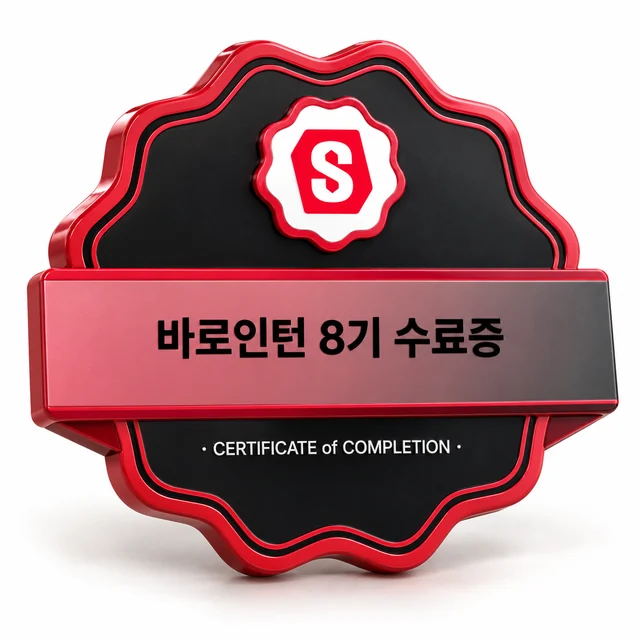
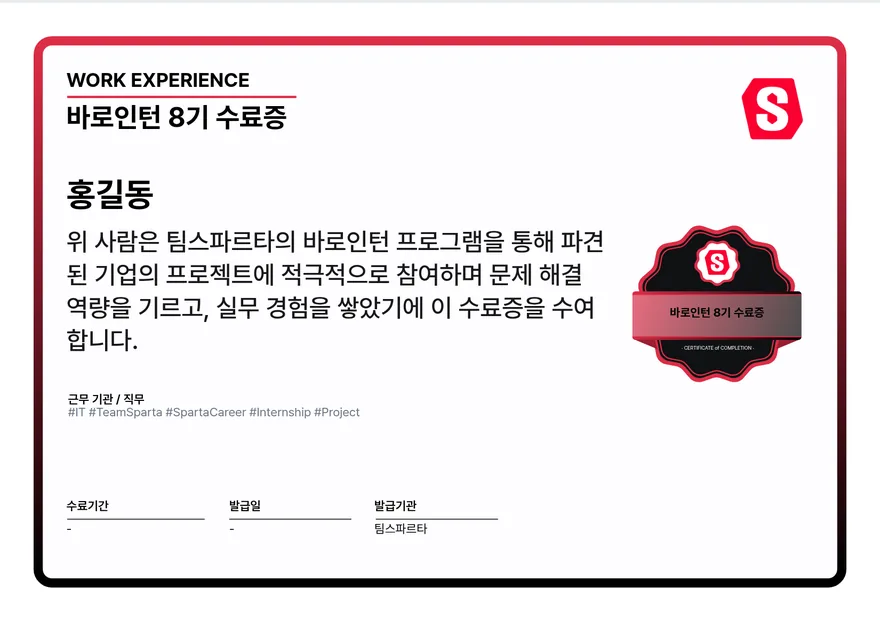
TeamSparta issues badges with recommendations from host companies to every BaroIntern graduate, cohorts 1–12. Each badge carries the company name, role, and recommendation, so the internship becomes verifiable proof.

“Unlimited design freedom and per-course customization let us reflect our brand identity effectively.”
FastCampus (operated by Day1 Company) retroactively issued digital badges to about 2,000 graduates of eight bootcamps—data analytics, AI, development, UX/UI, and more—and plans to expand to all KDT courses (as of Aug 2025).

“We can issue badges right from our LMS through the API, and it’s easy for us to track whether each one was issued. We really liked that.”
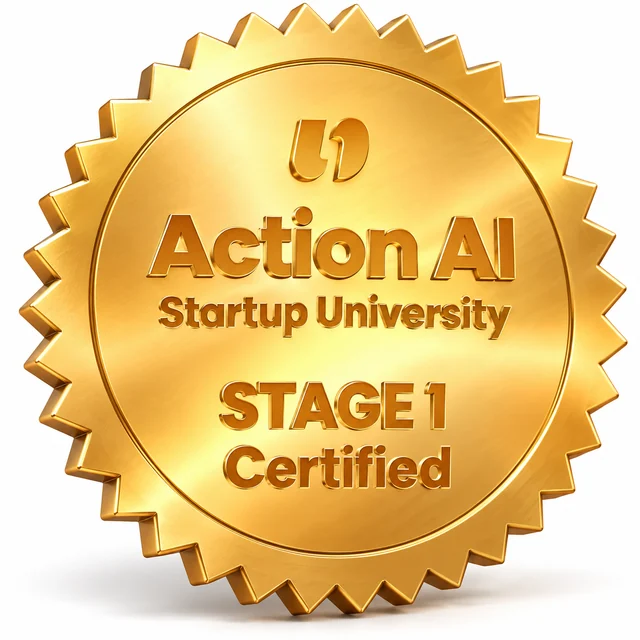
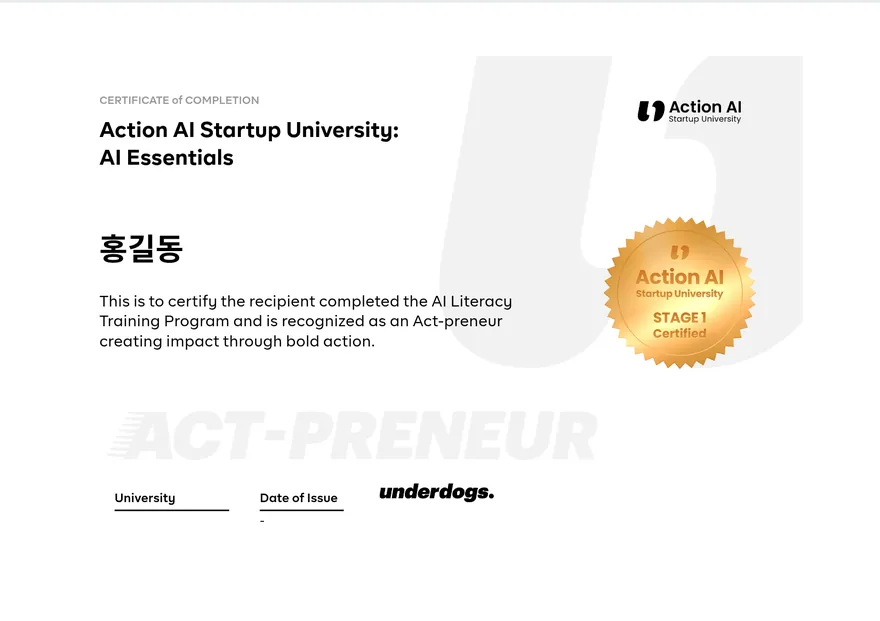
UD IMPACT connects its own LMS to Kolleges via API to issue badges in Action AI, an AI startup program for university students in India and Indonesia. The program recruited about 2,400 learners in two months and, with no separate campaign, hit a 68% social share rate right after the first issuance (measured on the Kolleges dashboard).






Built so learning outcomes lead to the next step
- Template design
- Auto-issue on completion + bulk CSV
- Automatic receipt confirmation and reissuance
- QR codes and unique links
- Blockchain integrity
- Recruiters and outside organizations verify without logging in
- Share cards for each channel
- Share and traffic tracking
- Graduates become your promotion channel—no ad spend
- Shown in the recipient email
- Next-step guidance in portfolios
- Auto-listed prospects and alerts for the next intake
- Competency profiles, built and visualized automatically
- One click to e-portfolios, résumés, and LinkedIn
- Recruiters verify in one click
From consultation to test issuance,
in four steps
Share your institution’s size, operations, and goals, and we’ll recommend a custom setup. A dedicated manager handles initial setup with you.
Yes. Set different completion criteria per course and issue automatically.
Criteria like attendance, assignments, and exams can be set individually for each course.
No. Issuance rules you set once are reused for each cohort.
Run new cohorts on existing rules without rebuilding them—made for the repeat cycles of cohort-based bootcamps and academies.
Instantly via QR code or unique link, with no login.
Opening a badge shows the issuer and earning criteria right away. Graduates attach badges to e-portfolios, résumés, and LinkedIn in one click, and recruiters verify them in one click as hiring evidence.
Yes. Next-course guidance on completion badges leads to re-enrollment.
Completion badges automatically point to the next course, creating a re-enrollment touchpoint at the moment of completion—no separate remarketing needed.
Yes. We track recommended-course clicks and new traffic from badges.
Clicks and traffic for recommended courses are aggregated, so you can measure your recruitment automation with data.
Yes. They work right away for cohort-based bootcamp certificates, including retroactive issuance.
FastCampus retroactively issued badges to about 2,000 graduates across eight bootcamps in data analytics, AI, development, and UX/UI. See the FastCampus KDT case study.
They’re sent automatically by email and KakaoTalk.
Receipt confirmation is handled automatically, too.
Yes. Recommendations from participating company contacts can be attached to badges.
Add the recommendation to the badge’s data fields at issuance, and it appears on the badge with the company name and role. TeamSparta applied this to every BaroIntern cohort at once with Excel bulk upload. For more, see the TeamSparta interview.