
Issue a badge,
and promotion begins
When graduates share badges, your institution and program get natural exposure, and interested people apply for the next cohort through the verification page. Recruitment and re-enrollment run without ad spend.
What is Kolleges recruitment automation?
Kolleges recruitment automation turns the digital badges graduates receive into a chain—social share → verification page traffic → next-cohort sign-up → related-course
re-engagement—automated, with no ad spend.
It’s built for education companies, academies, and communities that run cohort-based courses.
Sound familiar?
Reviews pile up,
but they don’t lead to the next cohort
Every intake,
promotion starts from scratch
There’s an advanced course,
but graduates don’t know about it
When issuance is a beginning, not an end,
promotion runs on its own.
How does one badge lead to the next cohort?
Share → traffic → sign-up → re-engagement. Build the funnel once, and it repeats every cohort.
-
01
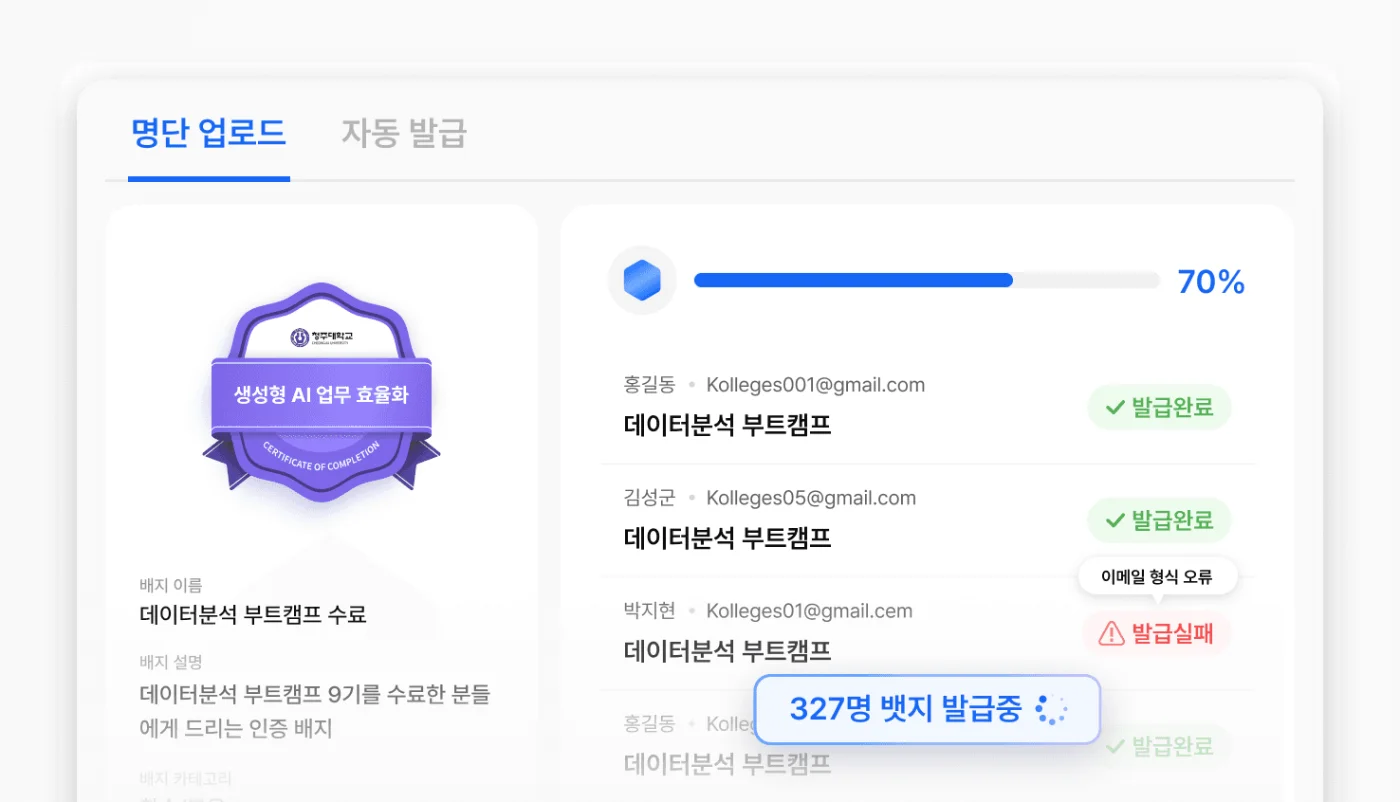
By the time they graduate, issuance is already done
Badges are auto-issued from a list upload or when completion criteria are met. For how issuance and verification work, see the digital badge issuance & verification page.
-
02
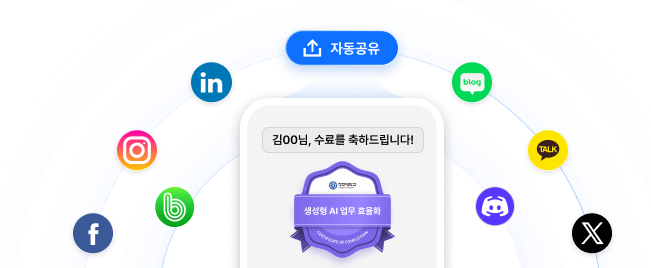
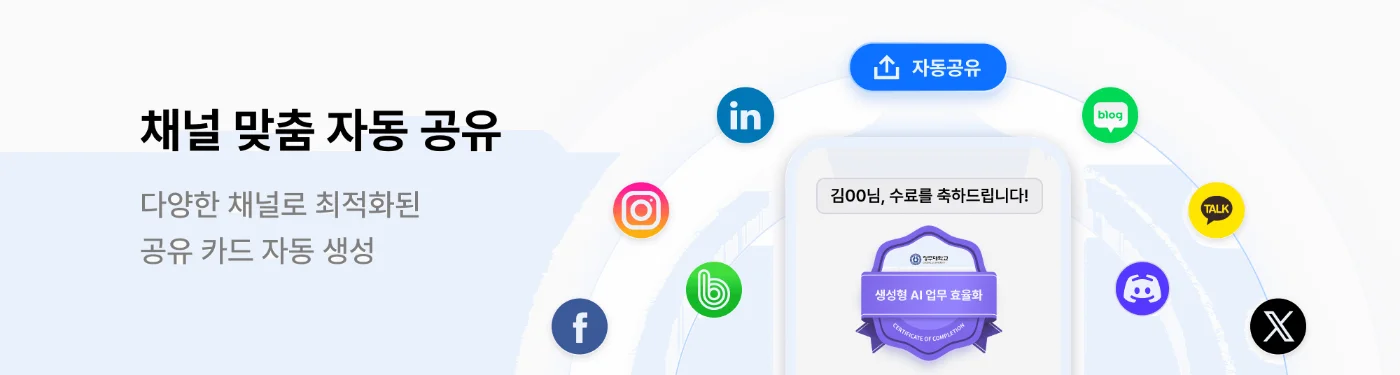
Graduates’ shares
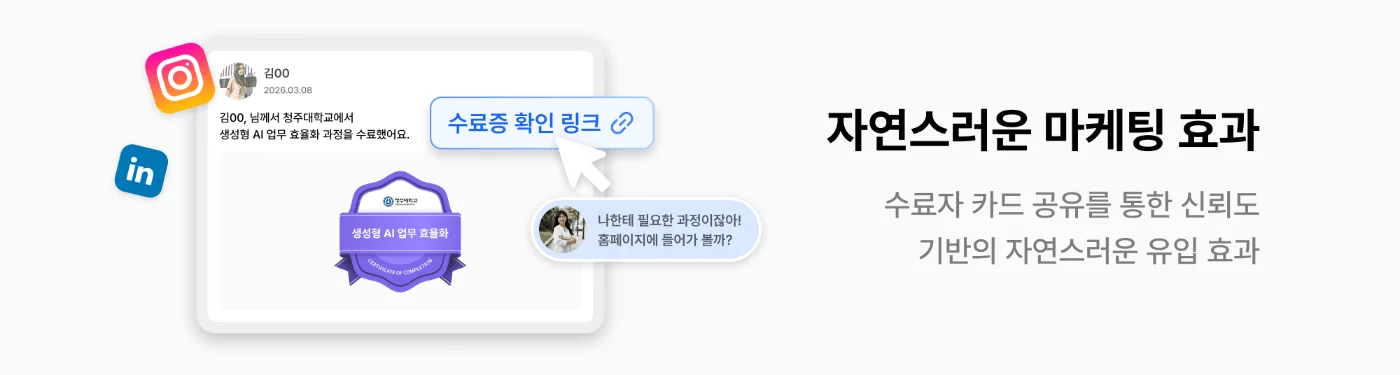
create exposure without adsWhen graduates share their badges on social media, your institution and program appear naturally in their followers’ feeds—graduates become a zero-cost promo team. At UD IMPACT, about 68% of graduates shared their badge right after the first issuance.
-
03
One click becomes one visit
When someone clicks a badge on social media, the verification page shows your institution and program right away. The badge link itself becomes a path to your website.

-
04
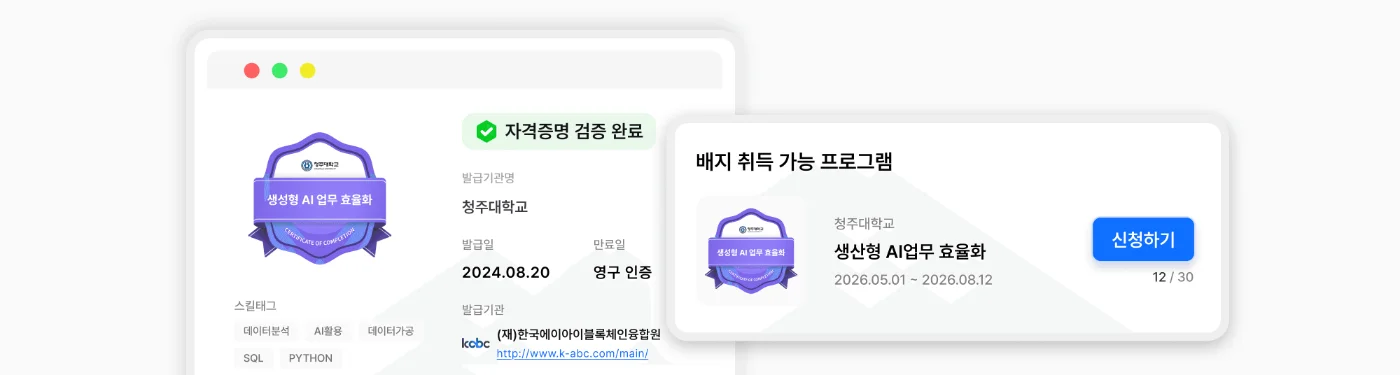
From interest to sign-up, on one page
A sign-up button for open programs and a custom promo banner appear automatically at the bottom of the verification page, so people checking a badge can apply for the next cohort without dropping off.
-
05
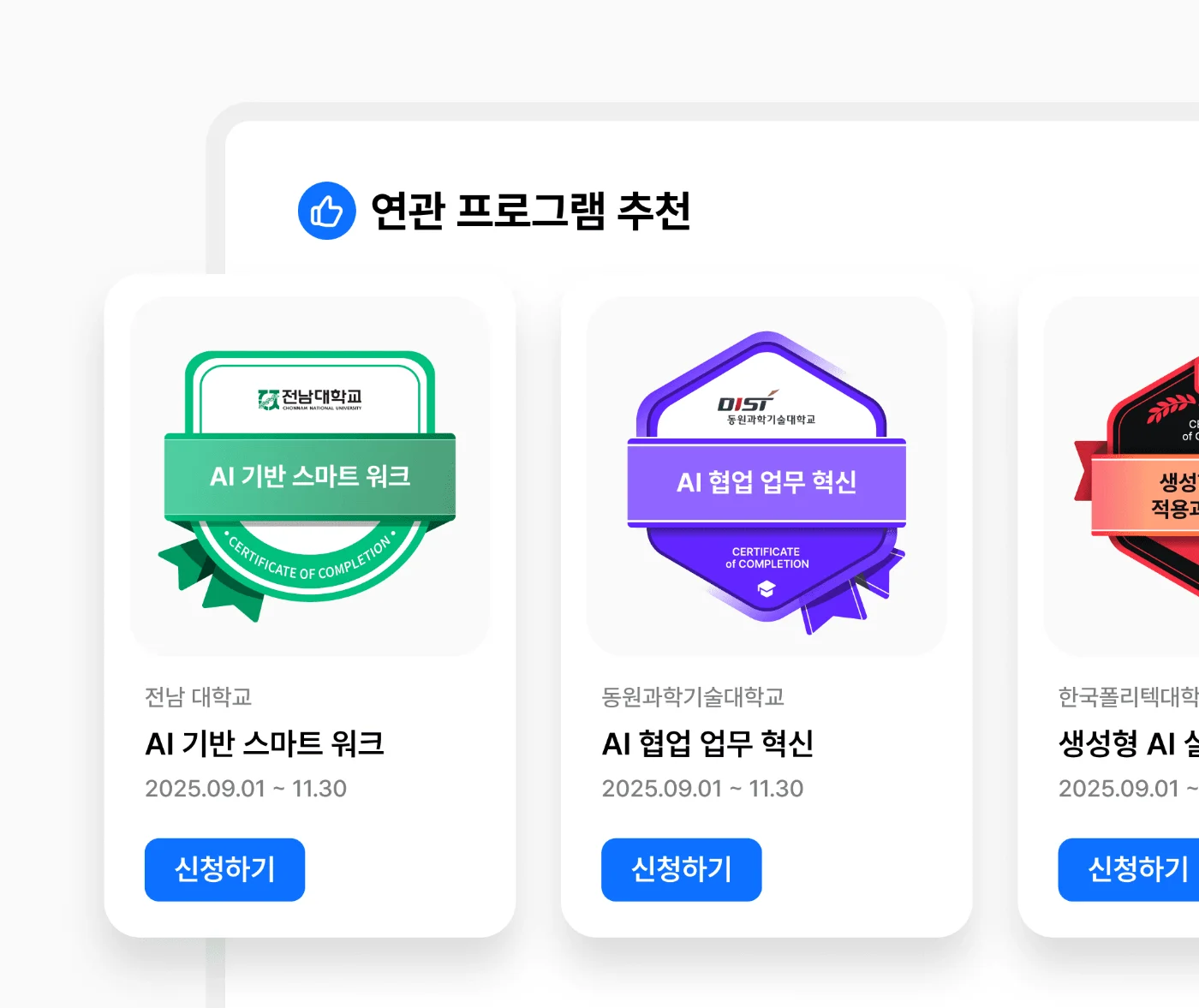
Completion isn’t the end—it’s the entrance to the next course
Graduates are automatically pointed to related course badges. Framed as “next steps” rather than ads, it leads to re-enrollment without pushback. Build the funnel once, and it repeats every cohort.
Real-world examples
 Education companies
Completion badges were auto-issued to about 2,400 university students in an AI program in India and Indonesia, and about 68% of graduates shared their badge on social media right after the first issuance (measured on the Kolleges dashboard)—with no separate share campaign.
 Academic society
Since its 2025 conference, the society has issued attendee completion badges and speaker Leaders badges on Open Badges 3.0, and issues Kolleges digital badges to graduates of credential courses such as Certified Supplement Prescribing Physician.
 MACBE
Communities
Issuing activity credentials as badges in an 8,000-member IT planning community led to a 70% return rate among supporters and speakers (institution data)—completion becomes the entrance to the next activity.
Frequently asked questions
The most frequently asked questions before adopting recruitment automation.
Last updated: 2026-07-10 · Facts refreshed quarterly