
Design, issuance, verification, and analytics—
digital badge operations on one platform
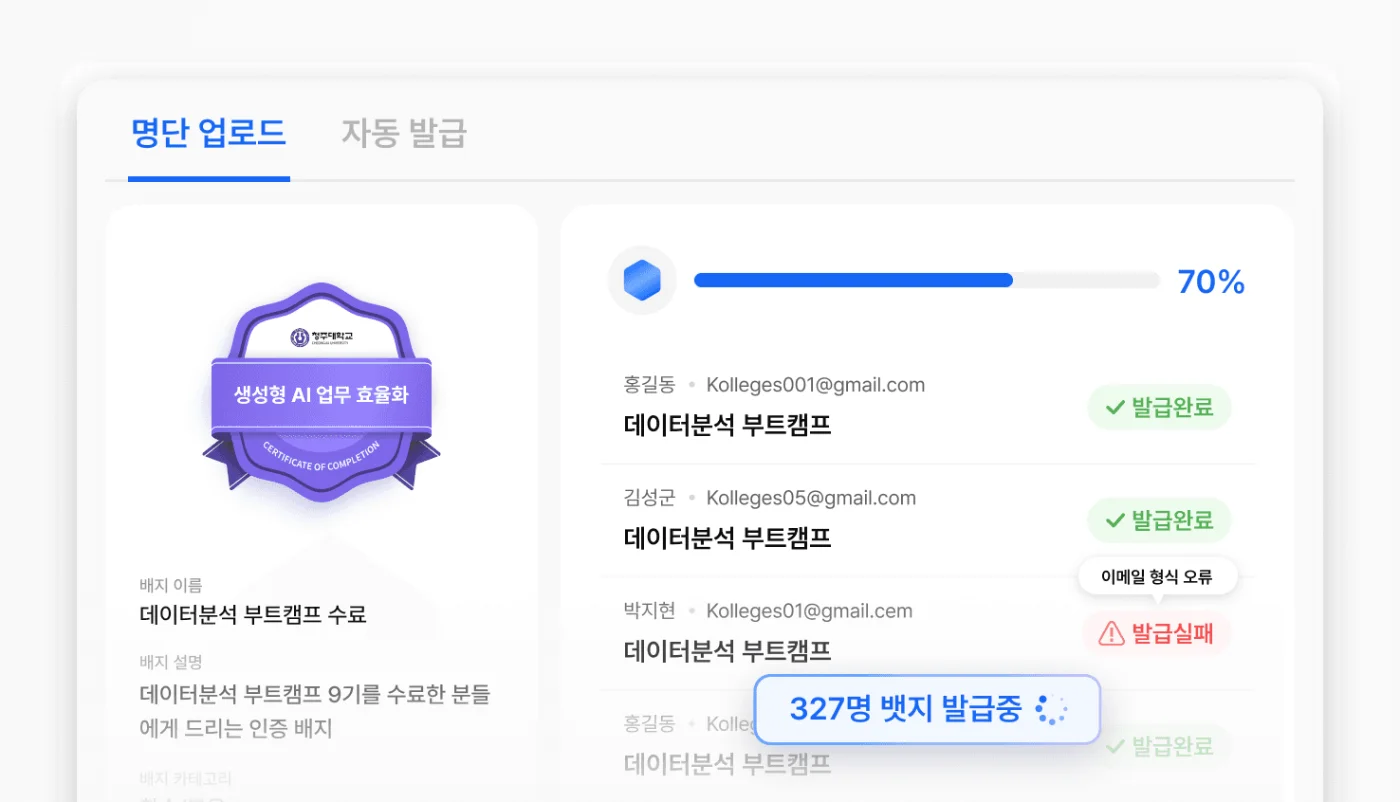
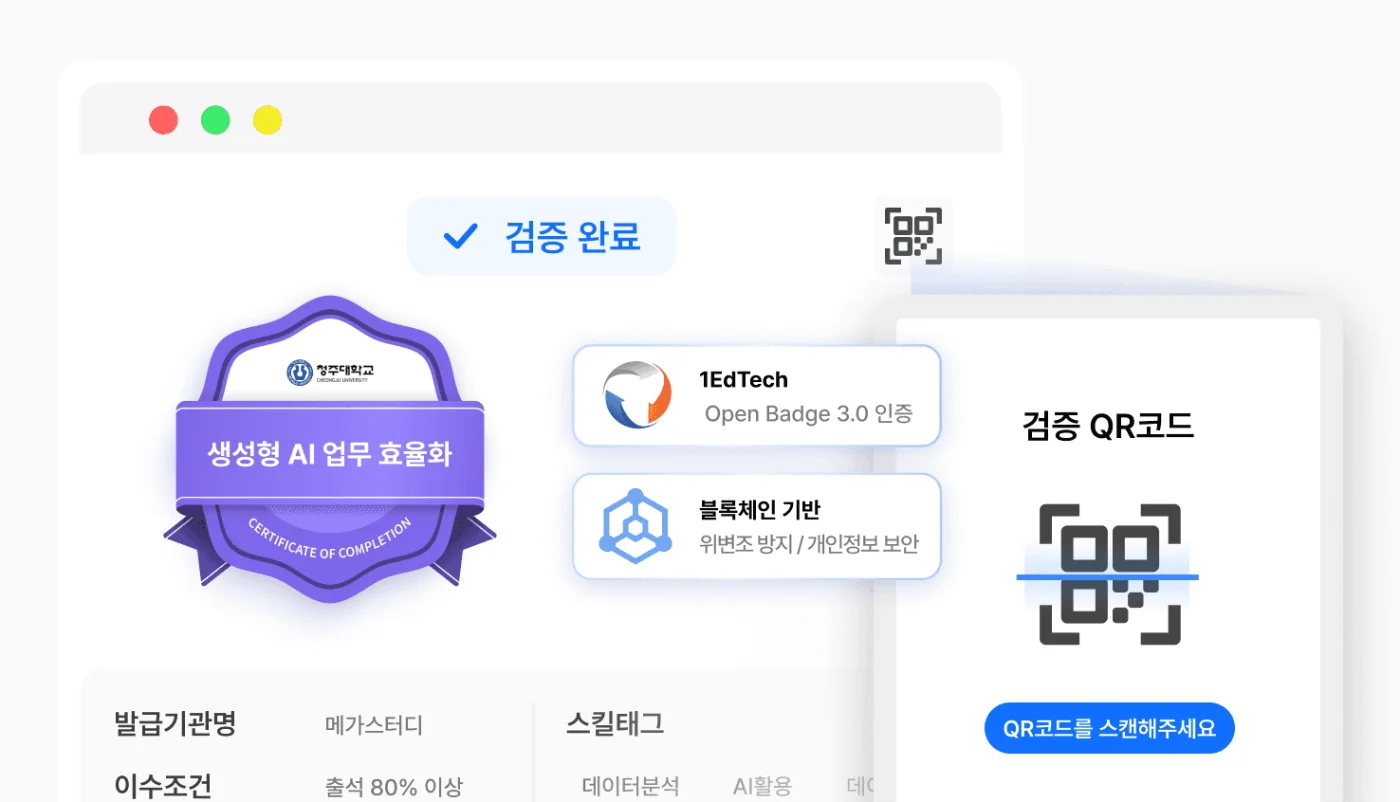
Create your own badges without a designer, and issue automatically just by uploading a list. Built on the international 1EdTech Open Badges 3.0 standard, badges verify instantly anywhere via QR or link.
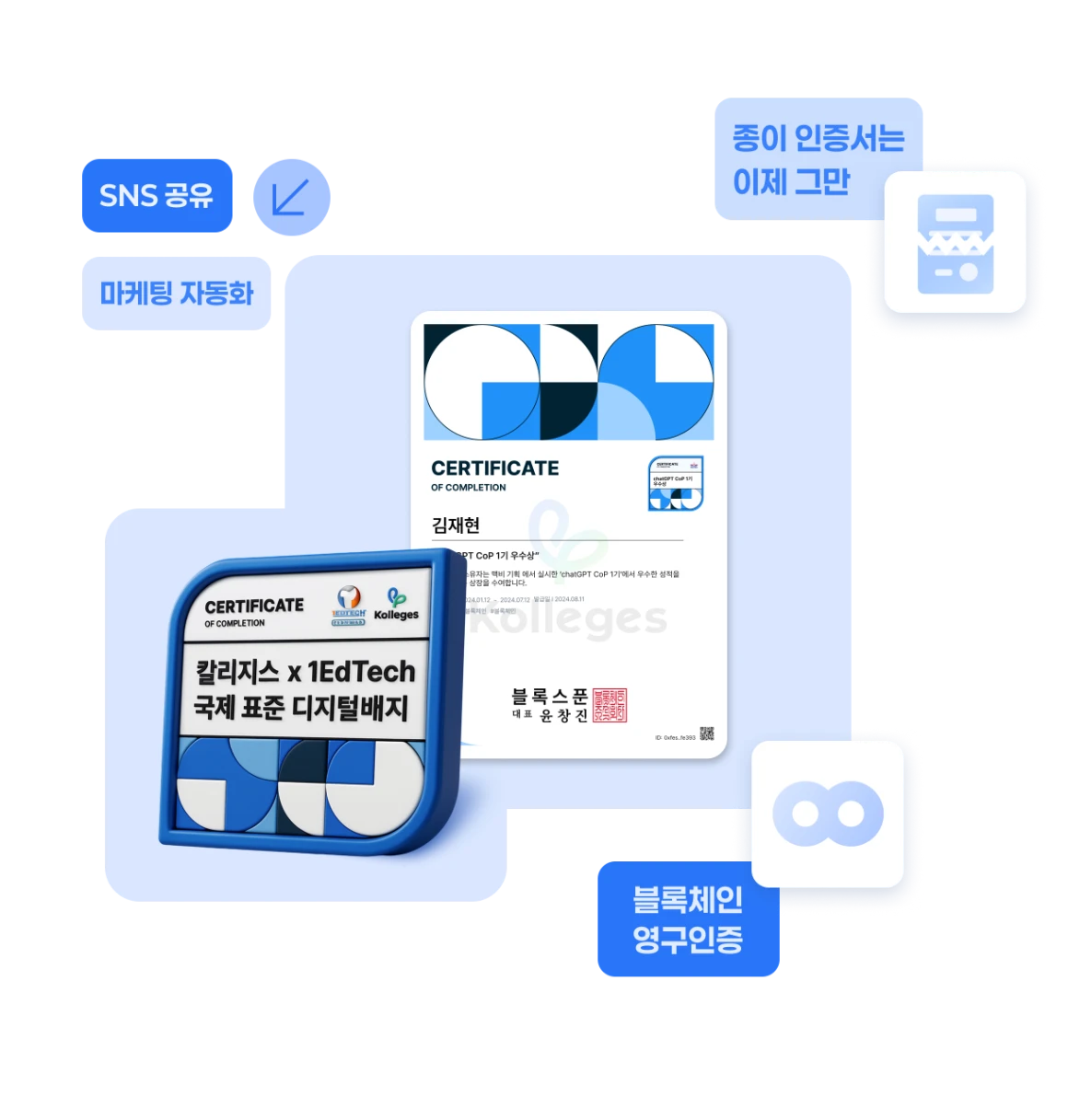







What is a digital badge?
A digital badge is a digital credential that lets learning, qualification, and competency outcomes be verified and shared online,
based on the international standard (1EdTech Open Badges 2.0/2.1/3.0). The badge carries metadata such as the issuer, criteria, issue date, and
expiration, so authenticity can be checked instantly via QR code or unique link.
Kolleges is a credential operations platform that runs these badges—design, issuance, verification, and analytics—in one place,
used by more than 300 institutions.
Digital badges vs. paper and PDF certificates: what’s different?
| Paper / PDF certificate | Digital badge (Open Badges) | |
|---|---|---|
| Verification | Visual check · separate lookup required | Instant verification via QR or link |
| Information | Surface details like name and course title | Built-in metadata: issuer, criteria, expiration |
| Issuing effort | Design, list prep, and delivery repeated every cohort | Auto-issue from list upload or when criteria are met |
| After issuance | Keep files · resend | Share on LinkedIn · build a portfolio |
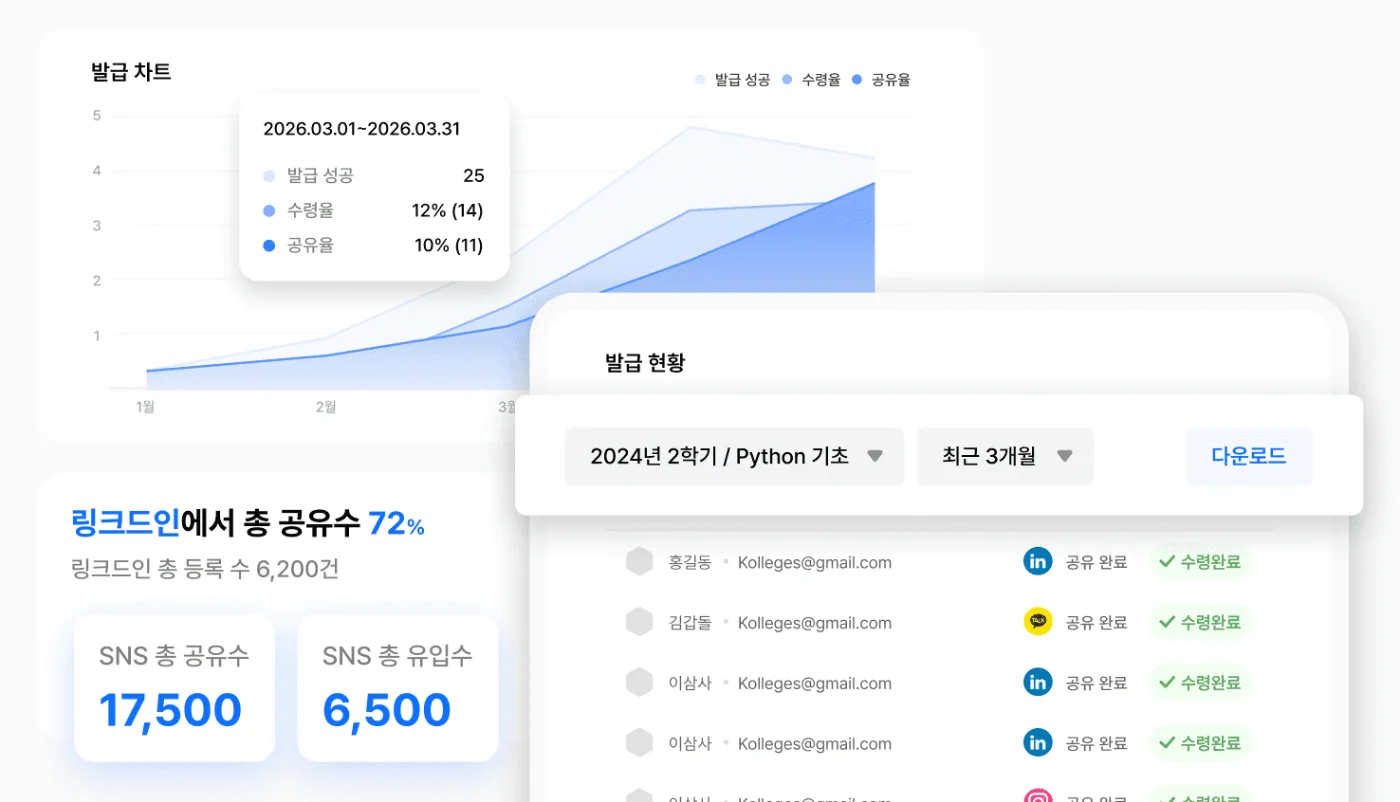
| Outcome data | Manual tracking | Dashboard of issuance, claims, and shares |
Dongwon Institute of Science and Technology found that paper certificates take about 40% more administrative effort than digital badges (institution data). Interview
How are digital badges issued?
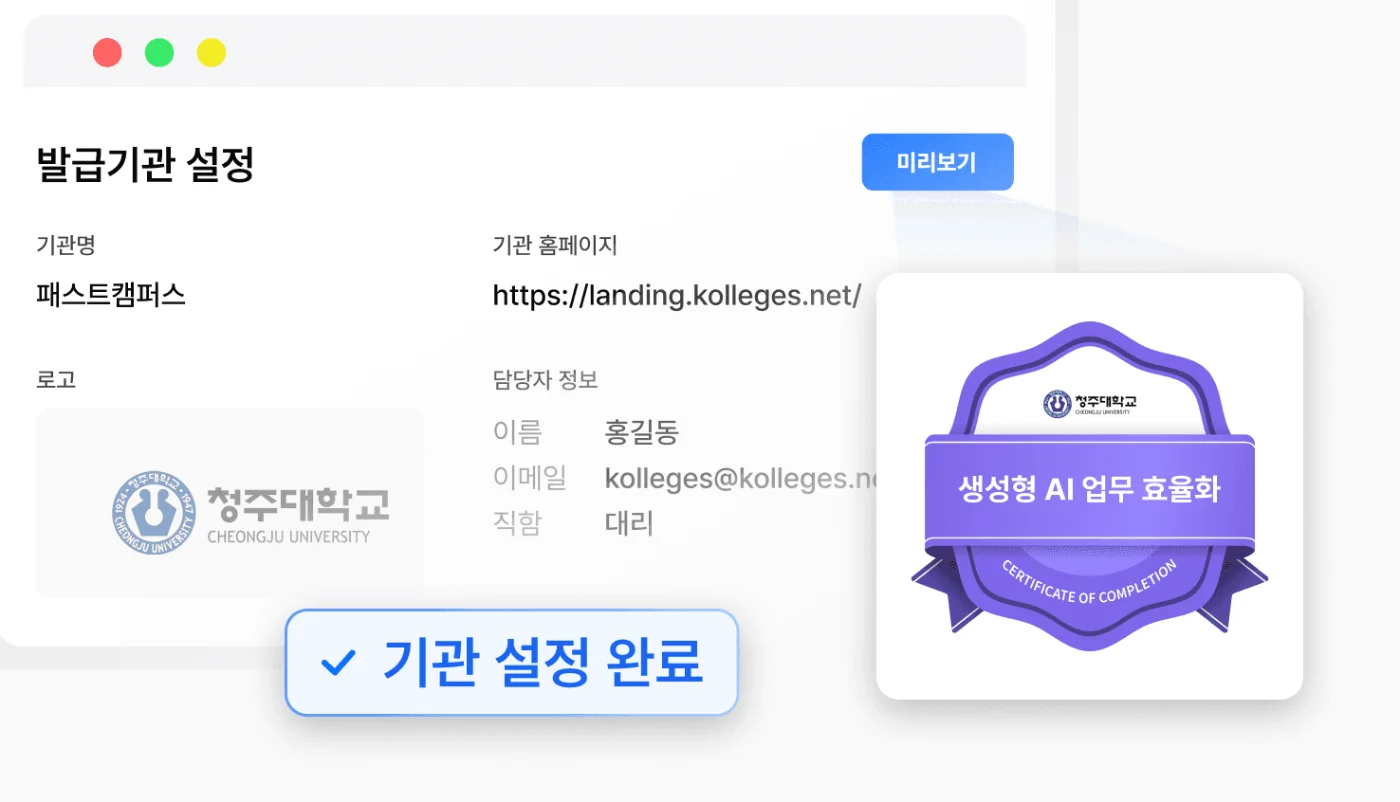
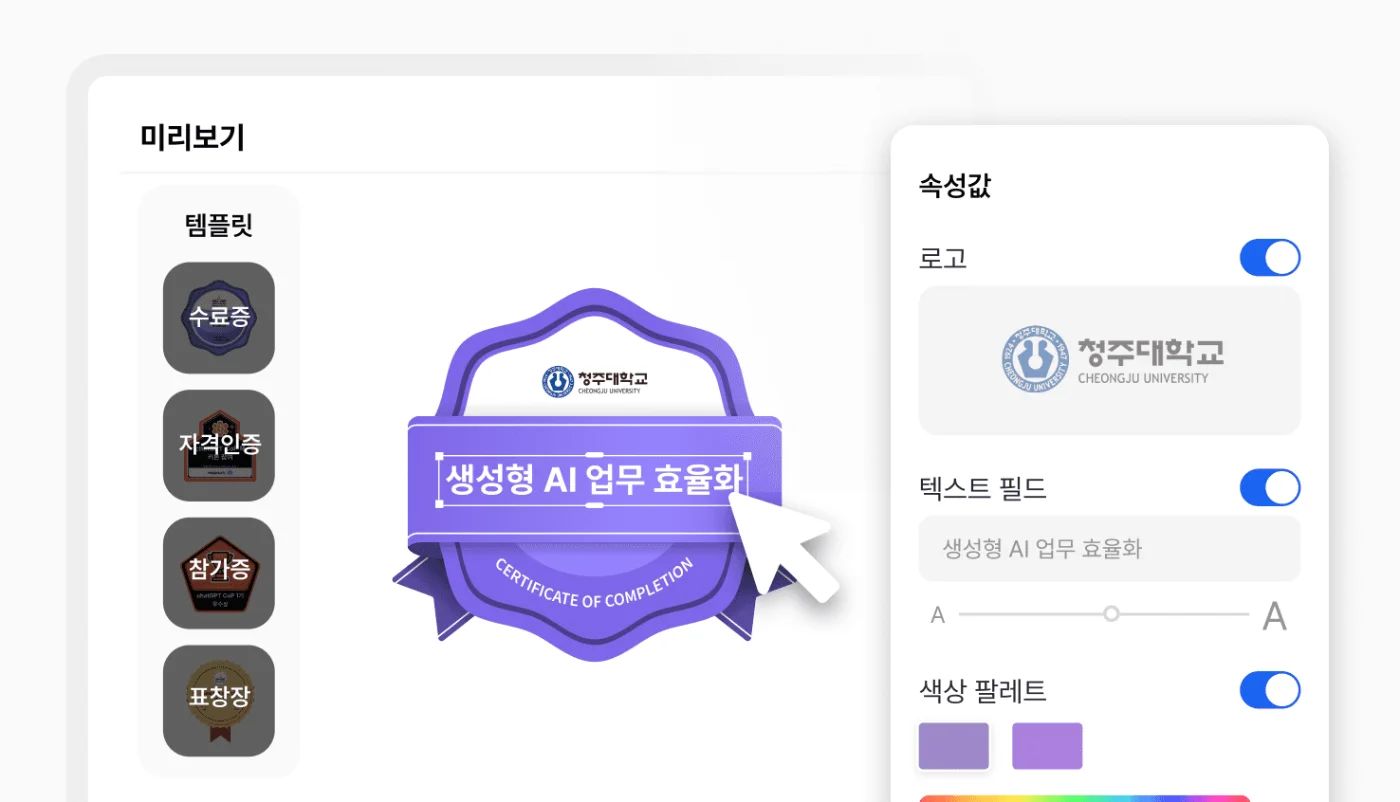
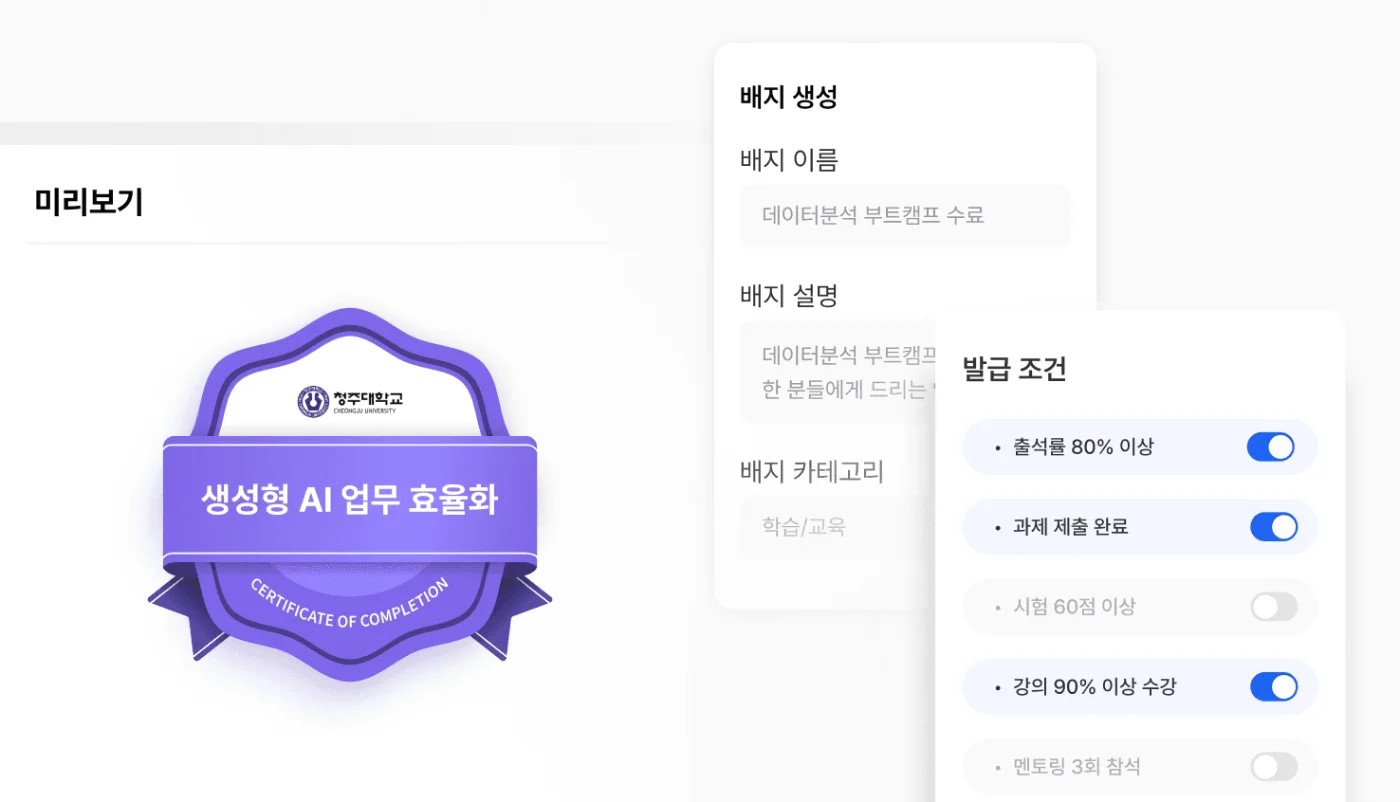
It takes six steps
From issuer setup to design, creation, bulk issuance, verification, and analytics—scattered manual work becomes one flow.
Real-world examples
- UD IMPACT connected its own LMS to Kolleges via API and auto-issued about 2,400 certificates
- Kwangwoon University’s D-Butler Hackathon issued certificates and awards with a single CSV upload
- Daegu Haany University runs joint issuance by two institutions and issuer verification (KOLLEGES VERIFIED) on a dedicated portal
Frequently asked questions
The most frequently asked questions about issuing and verifying digital badges.
Last updated: 2026-07-10 · Facts refreshed quarterly